People sometimes tell me they "have a 4G backup" built into their router from BT, or that there is a dongle in a drawer somewhere for if the worst happens. I understand the comfort that brings, and mobile data genuinely can be a good failover solution, sometimes even a primary line. But like most things in IT, it is not a simple answer, so let us unpick it properly: the wonders and the pitfalls.
The uncomfortable truth about 4G
Let us start bluntly: 4G probably is not enough, full stop, to run your dental practice from, regardless of signal.
Real-world 4G does not deliver what the headline figures suggest. Even with decent signal, average speeds are maybe 45 Mbps down and perhaps 8 Mbps up. These days that is pretty terrible. It is worse than an ordinary copper FTTC or SOGEA line, which can reach "up to" 80 Mbps, and it will struggle badly the moment a whole practice's worth of devices and demand lands on it.
So here is the awkward conclusion: that 4G dongle in the drawer, or the router with built-in 4G backup, is really going to be fairly useless if it is ever actually needed. It gives you the feeling of a safety net more than the reality of one. The day the main line goes down is precisely the day everyone piles onto the backup at once, and 4G simply does not have the headroom.
5G is a different kettle of fish
5G, on the other hand, genuinely changes the picture. With good signal it can comfortably deliver 125 Mbps or more down, and typically up to 20 Mbps up. That is really very acceptable, and you can even run a practice on it. It is why we treat 5G as a serious tool rather than a gimmick.
But there is a catch, and it is the one that undoes most DIY setups: signal. Both 4G and 5G suffer greatly the moment you are inside a building. 5G can typically drop by half at least once it has fought through walls, people and equipment, and what is left is poor bandwidth and an unusable experience exactly when you need it. A speed test done by a window on a quiet afternoon tells you very little about how the connection will behave mid-crisis on a full clinic day.
The fix: an external aerial, and specifically a MIMO one
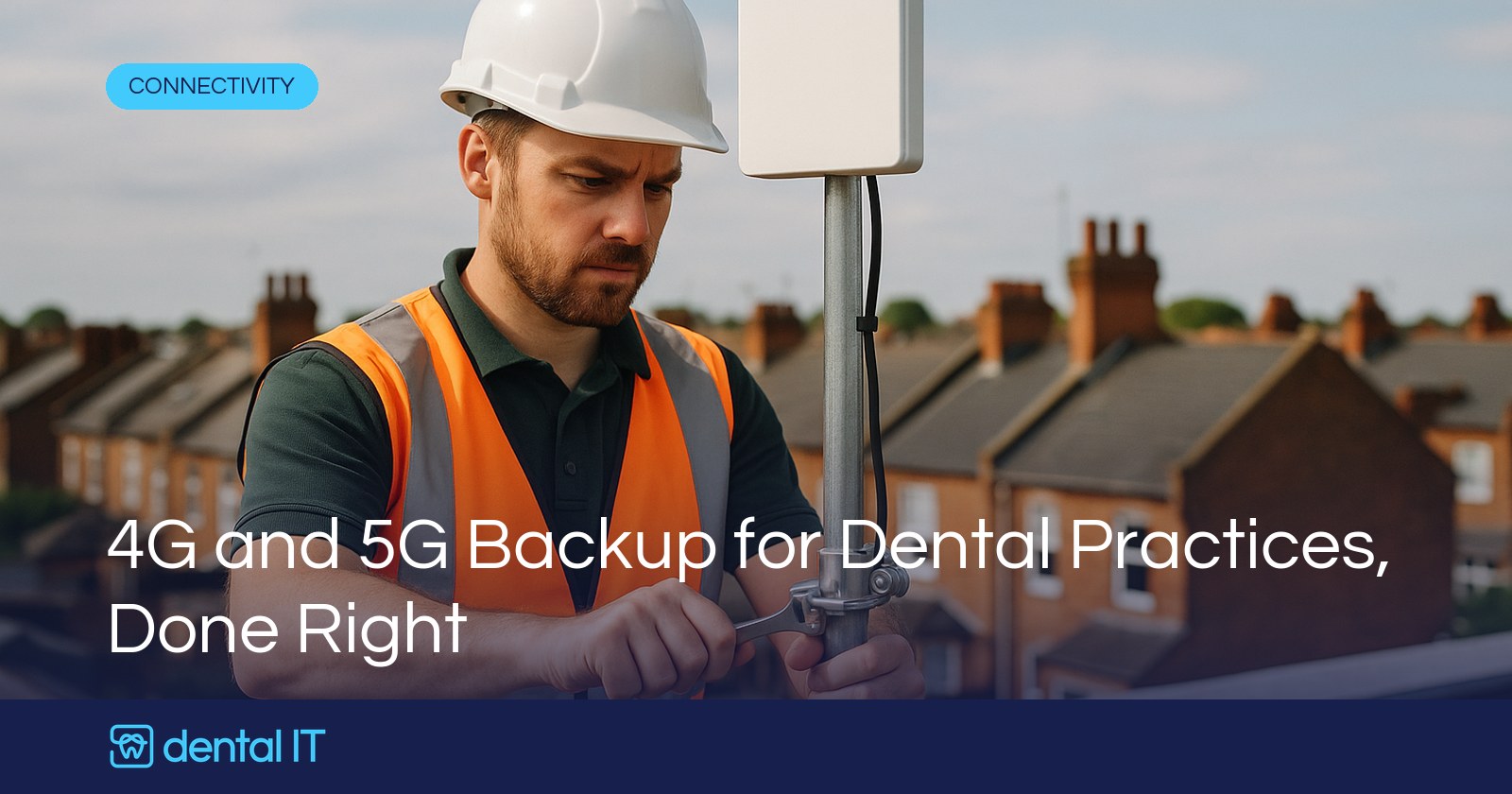
The answer, unless the internal signal is genuinely excellent, is an external aerial. And not just any aerial: a 4x4 MIMO aerial.
That sounds techie, and it is, but the idea is simple enough. MIMO gives you four antenna paths, which in good conditions means four spatial streams of data instead of the one or two you get from a typical cheap router. Think of it as a four-lane motorway instead of a single carriageway. It also handles signals that bounce off walls and other objects far better: where a basic aerial treats those reflections as interference, MIMO can actually use the bounced signal to carry more data. There are other clever reasons too, but there is no need to get more technical than that.
It does not mean four times the data. But it does mean that with decent outdoor signal you can comfortably get into the 100 to 200 Mbps bracket, and that is genuinely usable bandwidth for an entire practice when you need it. The difference between "5G in a drawer" and "5G done properly" is, mostly, that aerial on the outside of the building.
A word on dongles
Dongles deserve their own short paragraph, because they are the most common "backup" we find. They really only work for one machine, which is a problem when the whole practice is down; some can share over WiFi, but they are still an indoor device, so the bandwidth will not be good, and it is highly unlikely you will run a whole practice from one. As a get-out-of-jail card for one laptop, fine. As the practice's continuity plan, no.
The CGNAT catch nobody mentions
There is one more complication, and it is the least known: most 4G and 5G connections use something called CGNAT, carrier-grade NAT. Techie concept, simple consequence: you do not get your own fixed IP address on the internet. Instead, your traffic sits behind big shared firewalls in the cloud at Vodafone, Three, EE or O2.
In practice that means you cannot whitelist your connection with cloud systems such as Dentally to lock access to your premises, you cannot run a normal VPN, remote access does not always work, and it can affect some cloud phone systems. If any of that matters to your setup, and for most practices some of it does, it needs designing around, which is part of treating your internet, phones and IT as one system.
And one final pitfall: latency, the round-trip time of your traffic, can be poor on mobile connections, which especially affects phone calls if you run over VoIP. Which, let us face it, everyone is now. The good news is that a well-set-up 5G connection does not have this problem.
So what do we actually recommend?
We do recommend 5G. It is a great failover solution, and sometimes it can even be a primary line, for instance at sites that struggle to get decent fibre, alongside the satellite option we recently gave our honest take on. But it needs to be done properly, and "properly" normally means a correctly specced 5G router with an external 4x4 MIMO aerial, tested under load, with the CGNAT implications thought through.
What it is not, is a dongle in a drawer or a tick-box on a broadband order. Those give you reassurance right up until the day you need them. A designed 5G failover sits quietly behind a proper primary line and simply takes over when it has to, and the day it happens, nobody in the practice particularly notices. That is what a backup is supposed to feel like.
If you are not sure whether your current backup would actually hold the practice up, or you would like a 5G failover designed and fitted properly, get in touch and we will give you a straight answer, starting with an honest look at the signal on your roof, not the marketing figures.