There is an old phrase in IT: "No one ever got fired for recommending HP."
You may have heard a different version of that line, but the point is the same. When people are unsure, they often recommend the safe, familiar, established option. The one everyone knows. The one that will not raise eyebrows in the boardroom.
That is very much how Microsoft feels in the small business world.
If you ask most IT people what a small business should use for email, files, security, devices and collaboration, the default answer will usually be Microsoft 365. In dental, I suspect that is even more true. Dental groups, DSOs, corporates and practices with a proper IT director are usually heavily Microsoft-led. That does not mean Microsoft is always the most exciting option. It does not even mean it is always the easiest option for staff. But it is the incumbent. It is familiar. It is broad. It ticks a lot of boxes.
And in my own experience, that pattern is hard to ignore. I have never set up a Google tenant for one of our customers as their main business platform. I have migrated plenty of businesses from Google to Microsoft as they have matured. I have never migrated anyone the other way round.
That does not mean Google is bad. Far from it. Google Workspace can be a very good place to start for small businesses and dental practices that want easy file sharing, simple collaboration and a low-friction way to work in the cloud.
And now there is a third platform that deserves a mention: Zoom Workplace. Zoom is no longer just "the meeting app". With Zoom Hub, shared folders, docs, chat, clips, recordings and AI Companion, it is moving into the same territory as Google and Microsoft, especially for businesses where most work starts with a meeting or conversation.
So the real question is not "which one is best?" The better question is: what type of business are you trying to run, and what do you need the tenant to do?
The short version
If you want the strongest all-round platform for identity, devices, security, compliance, email and official company records, Microsoft 365 is usually the safest recommendation.
If you want a simple, browser-based workspace where people can create documents, share files and collaborate easily, Google Workspace is excellent.
If your business is heavily meeting-led and you want conversations, recordings, summaries, docs and actions in one place, Zoom Workplace is becoming much more interesting.
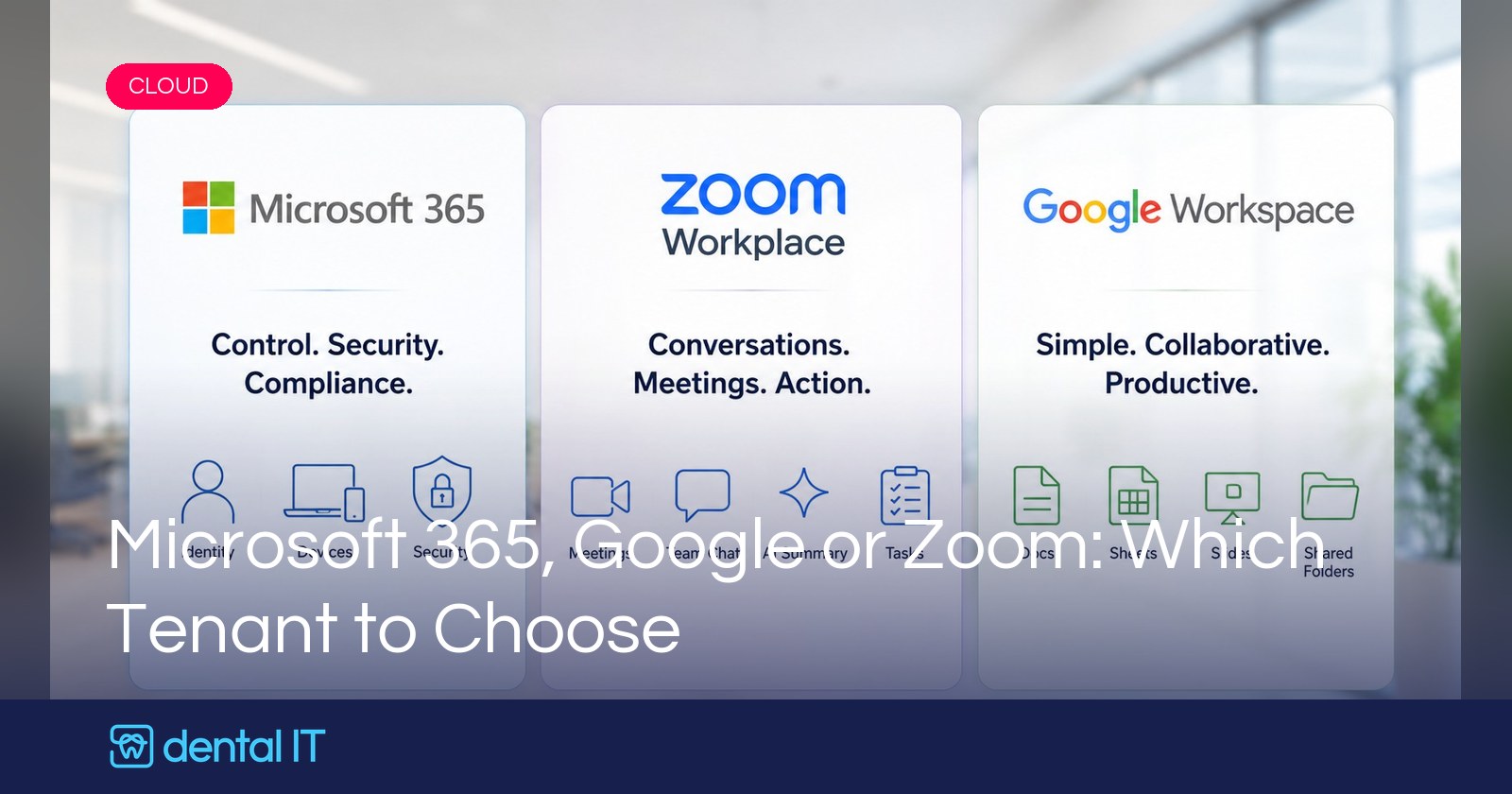
But I would not treat them as equal in every area. Microsoft is strongest for governance. Google is strongest for simple collaboration. Zoom is strongest for meetings, communications and meeting-led work.
Microsoft 365: the default recommendation for a reason
Microsoft 365 is the platform most IT providers will naturally recommend. That is partly because it is familiar, but also because it covers so much ground. A Microsoft tenant can give a small business:
- business email through Exchange Online
- Outlook, Word, Excel and PowerPoint
- OneDrive for personal work files and SharePoint for shared company files
- Teams for chat and meetings
- Entra ID for identity and access control, with Conditional Access
- Intune for device management and Defender for security
- Purview for retention, compliance and data governance
That is a serious amount of capability under one roof.
For a dental practice or dental group, that matters. You are not just storing a few harmless documents. You may have HR files, contracts, staff records, supplier agreements, complaints, business plans, financial documents, clinical admin data and client communications. Even when patient records live inside the PMS, the surrounding business still handles sensitive information.
Microsoft 365 Business Premium is particularly attractive for small and medium businesses because it includes identity, device and security tools that would otherwise need separate products: Microsoft Entra ID P1, full Intune capabilities, Defender for Business and protection for iOS, Android and macOS devices as well as Windows. That is a big deal. With the right setup you can ask sensible questions like: is MFA enabled, is this laptop encrypted, can this personal device download company data, can we wipe business data if someone leaves, can we stop users sharing sensitive documents externally?
Those are not just "nice IT features". They are the difference between a tenant that is easy to use and a tenant that is properly controlled. Purview adds retention policies and labels across Microsoft 365 content, which matters for any business that needs to evidence how information is stored, retained and protected.
The downside of Microsoft
The downside is that Microsoft can be complicated. SharePoint is powerful but not always intuitive. Users misunderstand the difference between their own OneDrive and the company's SharePoint libraries. Files inside Teams are really SharePoint files, private and shared channels create extra sites, and permissions can become messy.
A small dental practice may not want to think about SharePoint architecture, sensitivity labels, device compliance and Conditional Access. They may just want a simple place to put files and work together. That is where Google can feel much nicer.
Google Workspace: simple, clean and very easy to work in
Google Workspace is often better for businesses that want simplicity. The model is easy to understand: write in Google Docs, calculate in Sheets, present in Slides, store shared files in Drive and Shared Drives, chat in Google Chat, meet in Google Meet, and use Gemini to help with writing, summaries and meeting notes.
Google Docs is excellent for live collaboration. People work in the same document at the same time without thinking about versions or attachments. For a small practice that wants a staff handbook, induction notes, holiday trackers, policy documents, supplier lists and basic management spreadsheets, Google Workspace handles it all very neatly.
Pricing is attractive for smaller organisations too. Google's UK pricing currently lists Business Starter at £5.90 per user per month, Business Standard at £11.80 and Business Plus at £18.40, with pooled storage rising from 30 GB per user on Starter to 2 TB on Standard and 5 TB on Plus, plus features like meeting recording and eSignature on Standard, and Vault on Plus.
The important point is that Google is not "unprofessional". Google Vault can retain, archive and search data, and higher plans bring stronger security and management controls. It is a particularly good fit for new businesses, smaller practices, teams that work mainly in the browser, and businesses where simple sharing matters more than deep IT governance.
The downside of Google
The problem with Google usually appears as the business matures, because the questions change. At the start it is "can everyone access the file?" Later it becomes: should everyone be able to access it, can we prove who accessed it, can we stop it being downloaded to a personal device, can we retain it for seven years, can we remove access automatically when someone leaves, can we make sure every laptop is encrypted, patched and protected?
Google can answer some of these, especially with the right edition and configuration. But for many IT teams, Microsoft answers them more naturally, especially where Windows devices are involved. Google Sheets is also not Excel: fine for everyday spreadsheets, but Excel usually wins for heavier financial work, macros, Power Query and integrations.
That is why we often see businesses start with Google, then move to Microsoft later when they need more control.
Zoom Workplace: the interesting newcomer
Zoom deserves a proper reassessment. A few years ago it was fair to say Zoom was just meetings. It is not any more. Zoom Workplace now includes meetings, team chat, docs, whiteboards, clips, tasks, AI Companion and Zoom Hub, which Zoom describes as a central place to organise recordings, summaries, whiteboards and clips, with shared folders as a collaborative space for docs. That starts to sound a lot like Google Drive or OneDrive.
Zoom is especially strong where the work starts with conversation: client meetings, sales calls, team catch-ups, treatment coordinator meetings, management meetings, supplier calls, training sessions, remote consultations, and phone and contact centre workflows. In that world Zoom captures the meeting, summarises it, stores the recording, creates notes and keeps the conversation flowing in Team Chat. For a dental group, every supplier and operations meeting producing summaries and action points that live alongside the recordings is genuinely appealing.
The downside of Zoom
The caution is that Zoom is still not the same as Microsoft 365 or Google Workspace as a full tenant of record. Would I make Zoom the only place a business stores HR records, contracts, finance documents, policies and long-term company information? Not yet.
I would treat Zoom as the collaboration and communications layer: meetings, chat, summaries, recordings, clips, project collaboration, phone and contact centre. But I would still usually want Microsoft or Google underneath as the main tenant for identity, email, official document storage, retention, compliance, eDiscovery, device management, security controls and user lifecycle. Zoom integrates into that world very well. I would be cautious about making it the whole world.
Cost: the simple view
Costs move around and vendor pricing changes regularly, so always check before deciding. But broadly: Google looks attractive for smaller teams. Microsoft can look more expensive beyond basic email and Office, but Business Premium packs in a lot of security and device management value, and Microsoft's UK pages currently show Business Basic from £5.40 per user per month.
Here is the key point. Google versus Microsoft can be an either/or decision. Zoom is often an as-well decision. That does not make Zoom poor value, it just changes the calculation. If Zoom replaces separate meeting tools, phone systems, webinar tools and AI note-takers, it may be excellent value. If it simply sits on top of Microsoft or Google without replacing anything, it is harder to justify for every user.
What I would recommend
For most established small businesses, especially in dental, I would still start with Microsoft 365 as the default. Not because it is perfect, but because it gives the strongest overall answer to the serious questions: how users sign in, how accounts are secured, how laptops and personal devices are managed, how documents are retained, how email is protected, how leavers are handled, and how you evidence reasonable controls. For a practice or group, those questions matter, and they are the same ones that drive the compliance conversations we have written about before.
But Google absolutely has its place for practices that want something simple, collaborative and easy to adopt. And Zoom is now much more than a meeting add-on: for businesses that live in meetings, calls, chat and follow-up actions, it is becoming a serious platform. Whichever tenant you pick, it also determines which business AI you get, which is exactly the choice we covered in connecting Outlook or Gmail to AI, done properly.
Final thought
If I had to put it bluntly: Microsoft is the best filing cabinet and security control room. Google is the easiest shared workspace. Zoom is becoming the best place for conversations to turn into actions.
For many small businesses, the best answer may not be choosing only one. A mature setup might be Microsoft 365 for identity, email, files, devices, security and compliance, with Zoom Workplace for meetings, phone, chat and AI summaries. A simpler setup might be Google Workspace for email, files and collaboration, with Zoom added only where Google Meet is not enough.
But if the question is "where should the official business records, identities, devices and compliance controls live?", my answer is still usually Microsoft first, Google second, and Zoom as a very strong collaboration layer rather than the whole tenant. That may change over time. But for now, no one is getting fired for recommending Microsoft.
If you are weighing this up for your own practice, this is a conversation we have most weeks, and we are happy to map the options against how your business actually works. Get in touch for a straight, no-jargon recommendation.