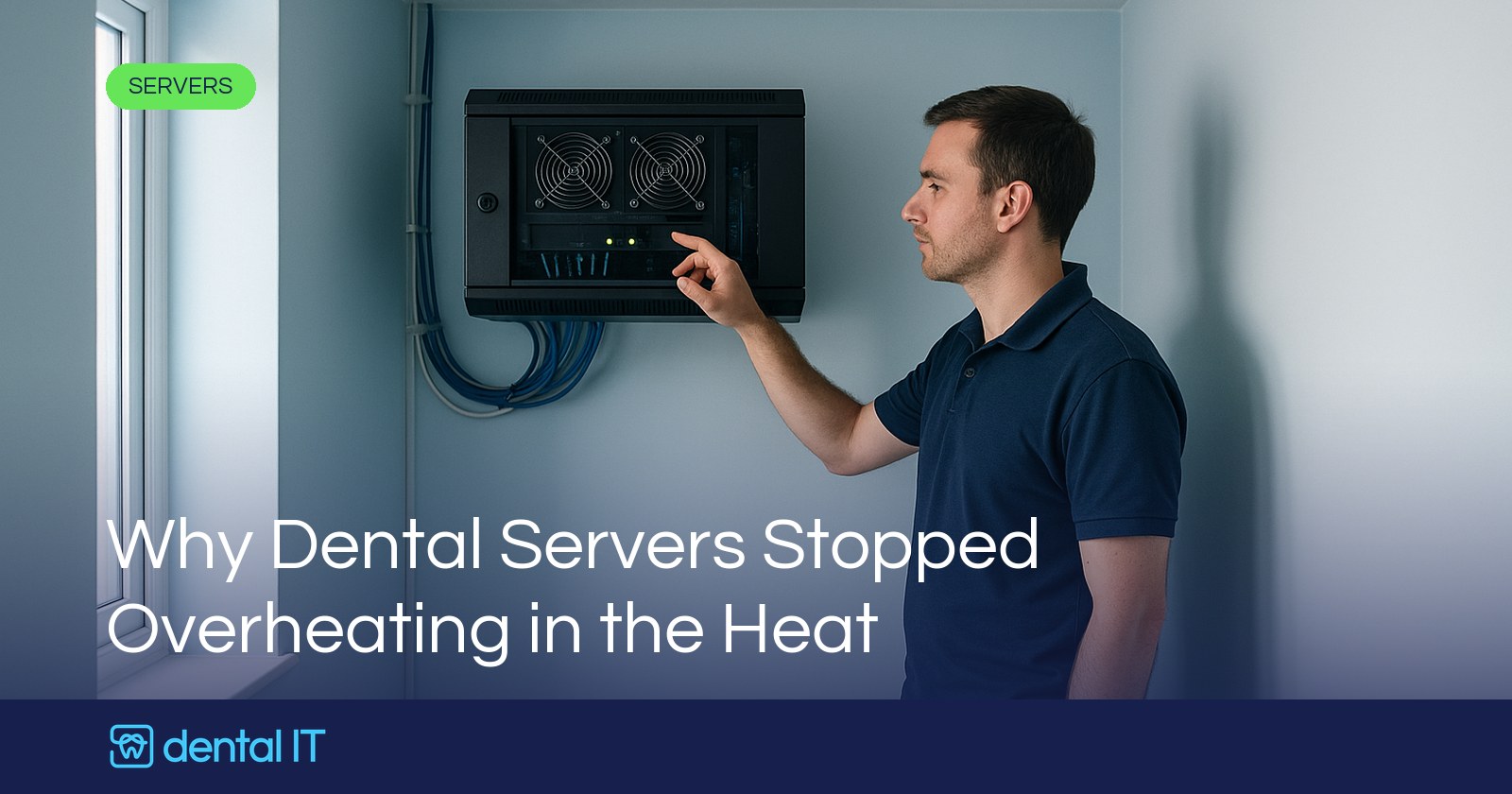
I did not want to jinx it, so I kept quiet until the worst of the heat had passed. But here is something genuinely new: through this summer's UK heatwave, we did not get a single call about a server going down because of the heat. In all our years that is a first, and it is worth pausing on, because it quietly says a lot about how dental practice IT has changed.
If you have never had a server shut itself down in hot weather, count yourself lucky. It used to be one of our reliable summer jobs.
What actually happens when a server overheats
Business servers from the likes of HP and Dell are built to protect themselves. When internal temperatures climb too high, typically somewhere around 40 to 50 degrees, the machine performs a thermal shutdown to protect its core components, rather than cooking them. It is a sensible safety feature, but it means the server simply switches itself off.
In practice, the pattern was always the same. A small room or cupboard, a warm spell, fans that cannot move enough air to keep up, and at some point the server gives up and powers down to save itself. Cue a call to us, a warm and slightly sheepish practice, and a scramble to cool the room and bring everything back.
For years we expected a handful of these every summer. This year, nothing. So, as you do, I started wondering why.
Why the calls did not come
As with most things, it is almost certainly not one reason but several adding up.
Server rooms have genuinely got better
A lot of practices have quietly fixed the environmental problems that used to catch them out. More sites have air conditioning in the server area now. Just as importantly, people have stopped treating the server cupboard as a dumping ground, so it is no longer half full of boxes, cleaning supplies and old kit blocking the airflow. Better airflow and a bit of cooling go a very long way.
Fewer servers in the first place
The steady move to the cloud means there are simply fewer on-site servers to overheat. Practices are either retiring the server altogether or, when it reaches end of life, choosing not to replace it. We have written before about running a modern practice without a server in the cupboard, and every practice that takes that path removes a box that used to sit there generating heat and waiting for a hot day. No server, no thermal shutdown.
The kit that remains runs cooler
The servers still out there tend to be newer, and newer hardware is more efficient. Lower power processors do the same work for less heat, and the surrounding equipment has moved on too. Modern switches and firewalls run cooler than the older gear they replaced, so the whole comms area is putting out less heat than it did a few years ago. If you are weighing up whether your current box is still fit for purpose, our guide to what server a practice actually needs is a good place to start.
And maybe we just did not hear about some
I will be honest about the last one. It is entirely possible that a server somewhere did shut down, and nobody noticed enough to call us. That sounds odd, but it is a sign of the same shift. When the important systems live in the cloud, a local server dropping out for a few hours in the day may not actually stop the practice.
At some sites the on-site server now does little more than local Active Directory, the thing that lets staff log in. If it went off, you might struggle to log in fresh, but if everyone was already working, and it quietly came back before the end of the day, the day might carry on largely unaffected. A few years ago the same outage would have stopped everything.
What it tells us
Put it all together and the picture is a good one. The estate of IT and servers we look after is better managed, newer, more cloud based, and genuinely cooler than it has ever been. Fewer single points of failure sitting in a warm cupboard, and the ones that remain are tidier, better cooled and less critical than they used to be.
None of that means heat can be ignored. A server room still needs decent airflow and sensible cooling, kit still ages, and a hot summer will always test the weakest setups first. If your server area is cramped, cluttered or warm to stand in, that is worth sorting before the next hot spell rather than during it. But the direction of travel is clearly the right one, and this summer was the clearest sign of it yet.
If you are not sure how exposed your practice is to a hot day, whether your server area is up to scratch, or whether you still need that server at all, that is exactly the kind of thing we are happy to look at with you. Get in touch and we will give you a straight view.
And in the meantime, enjoy the rest of the summer. We certainly are, for once without the phone ringing about a cooked server.